
一.新建Github Page
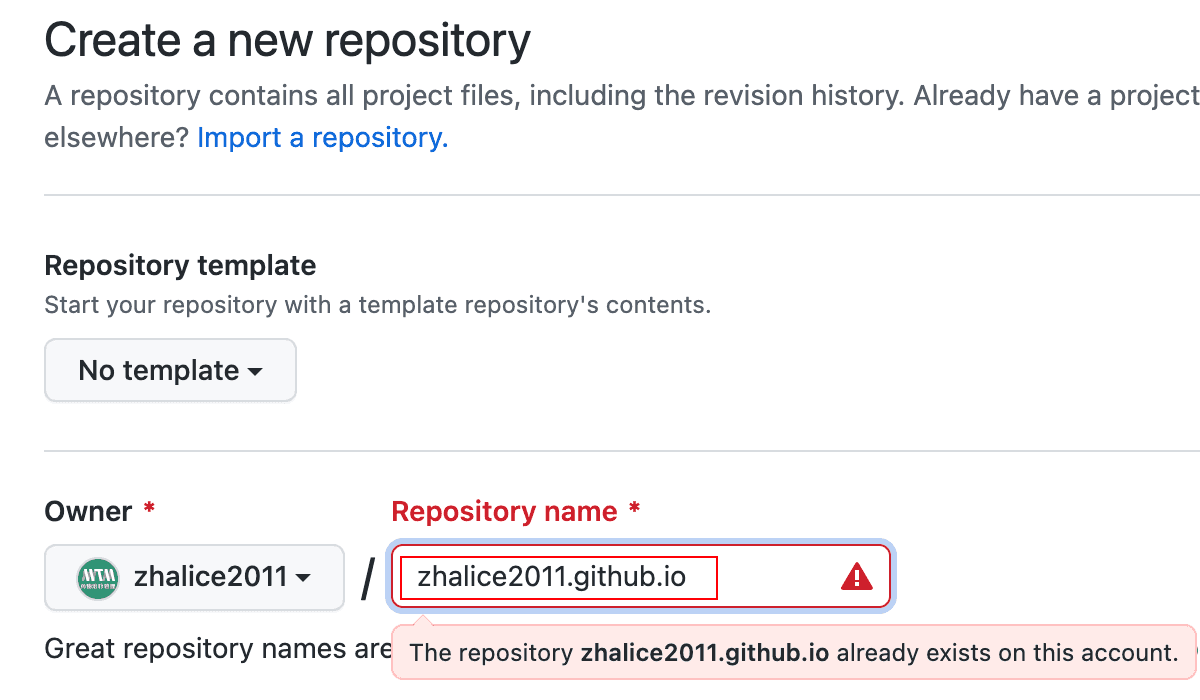
先新建一个repository, 命名为 username.github.io (注意修改username为你自己的)
二.创建博客
安装gatsby脚手架
npm install -g gatsby-cli使用该模板建立你的gatsby博客
gatsby new my-blog https://github.com/zhalice2011/blog进入开发
cd my-blog
gatsby develop
打开 http://localhost:8000 查看页面, 然后本地进行博客的修改, 文章均放置在 content文件夹
三.发布博客
链接到远程仓库(注意修改username为你自己的)
git remote add origin git@github.com:username/username.github.io.git发布
npm run deploy此时可以看到你的 username.github.io 仓库多了一个 gh-pages
分支

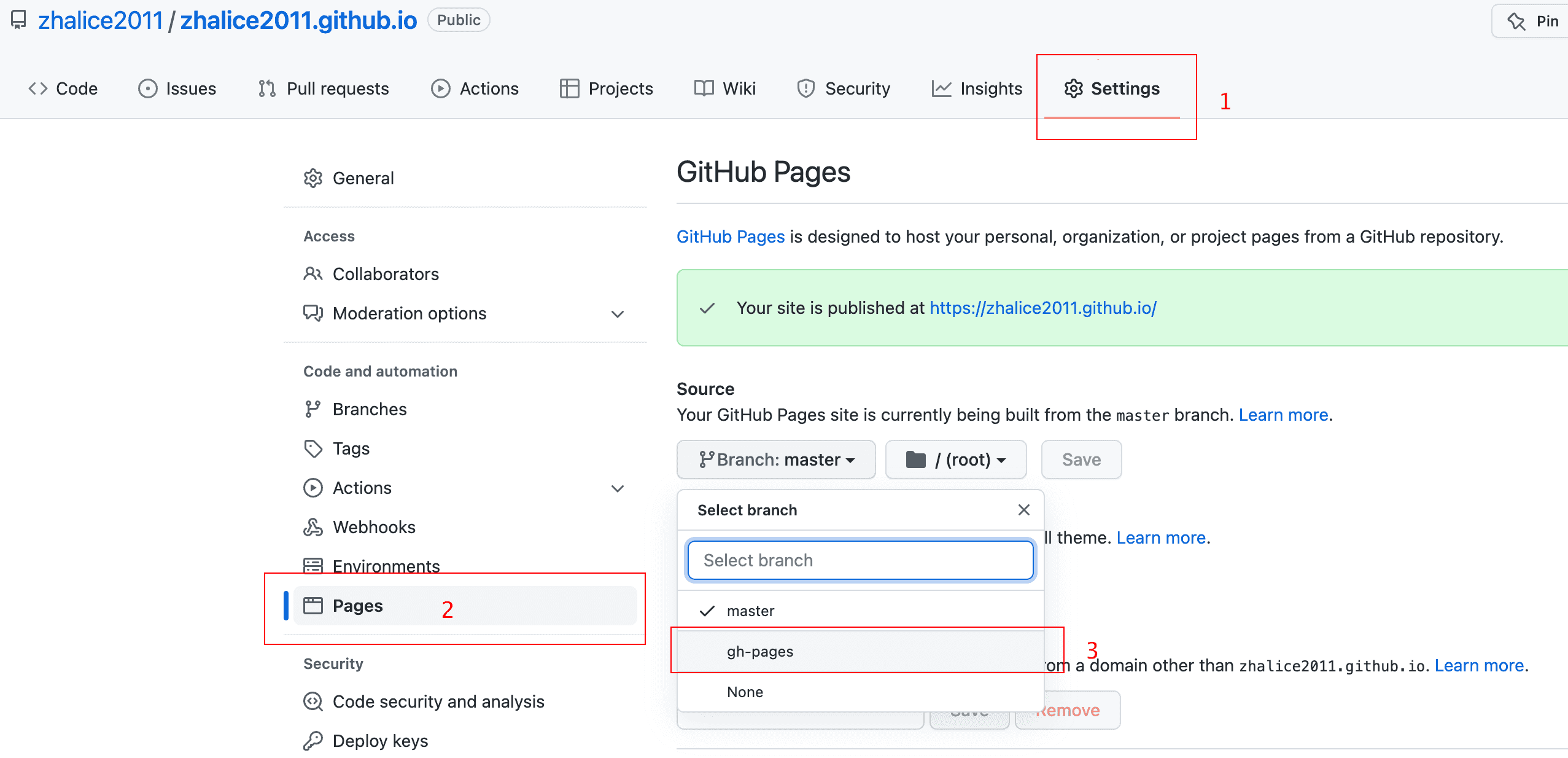
设置 Github Pages 展示的分支为 gh-page (如果设置成master会很凌乱, 因为都是打包后的文件)
接下来就可以访问你的博客啦~ (注意修改username为你自己的) https://username.github.io